We accelerate research and the preparation of scientific and technical materials with a broad evidence base

scid.ai is a corporate AI assistant for R&D departments: review, report, presentation and technology hypotheses in one application.
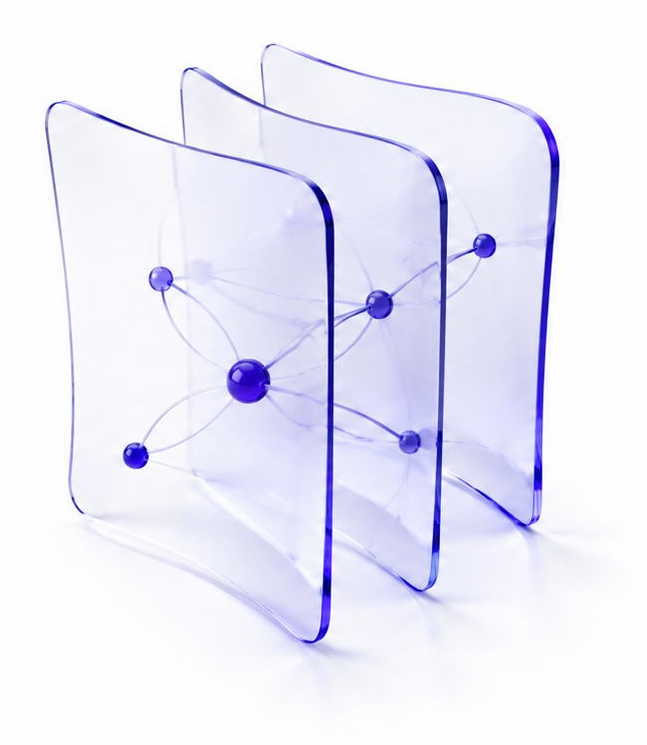
Illustration: three glass panels with a graph of linked sources

scid.ai is a corporate AI assistant for R&D departments

Review

Understand the science and technology landscape

Report

Prepare analytical materials

Presentation

Prepare material in your corporate style

Hypotheses

Form technology hypotheses

Before scid.ai

  • Research data is searched for on the internet, at exhibitions or in industry journals.
  • Research materials in corporate style take weeks to prepare.
  • Scientific and technical information for research is scattered across different employees.

After adopting scid.ai

  • Search and analysis of scientific and technical information is automatic.
  • Materials in corporate style are ready in minutes.
  • A single research base for the whole R&D team.

scid.ai connects the question and sources, analysis and materials.

From question to finished material in scid.ai.

scid.ai workspace in three panels: chat with the review plan and progress on the left, a graph of the papers found by topic in the centre, the finished literature review with Copy, PDF, Word and Publish buttons on the right
Chat, source graph and document side by sideThe plan and claims from sources in the chat, a topic map in the graph and the finished document — in one window.

Edit the document right in the browser — with AI at hand

Formulas, tables, AI text, illustrations and reference formatting — without exporting to Word. All edits are saved as one version.

Animation: AI text in the scid.ai document editor
AI textPlace the cursor, describe what should go here, and the paragraph appears right in the document, in its style.
Animation: AI illustration in the scid.ai document editor
AI illustrationSelect a fragment and press “Illustration” — an image is generated from its meaning and placed with a caption.
Animation: Formulas and tables in the scid.ai document editor
Formulas and tablesA formula editor with preview and LaTeX; a table is inserted in one click.
Animation: References in GOST and APA in the scid.ai document editor
References in GOST and APAThe list is reformatted with one switch: GOST R 7.0.100, 7.0.5 or APA. Entries can be edited by hand.

Preparing analytical materials in corporate style in pptx

Slides are built from a review or report and downloaded as PPTX.
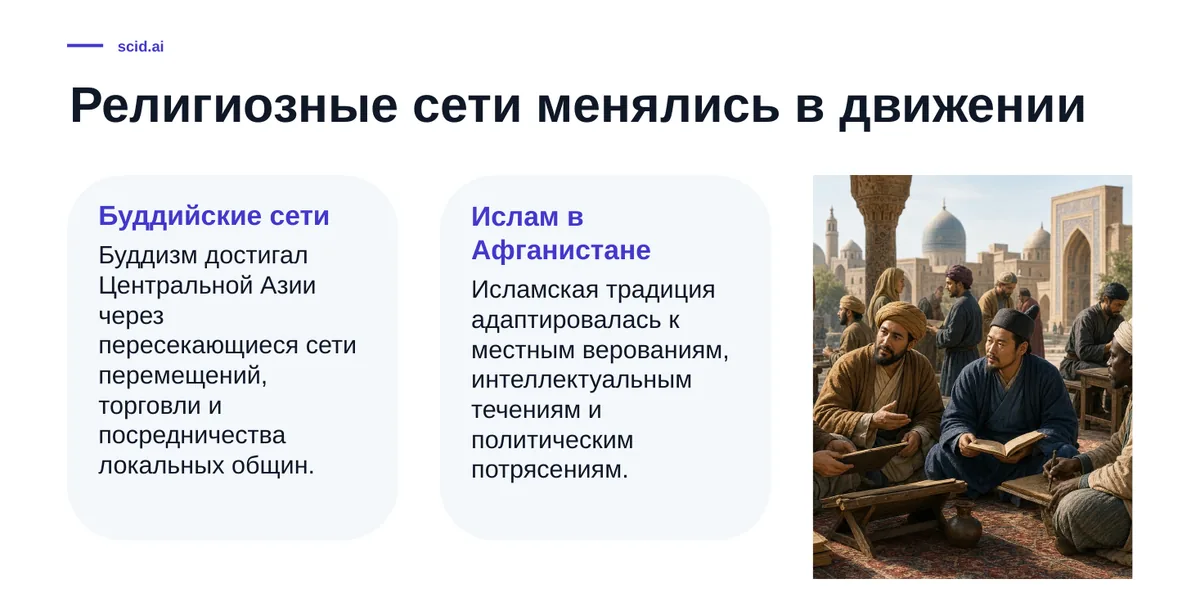
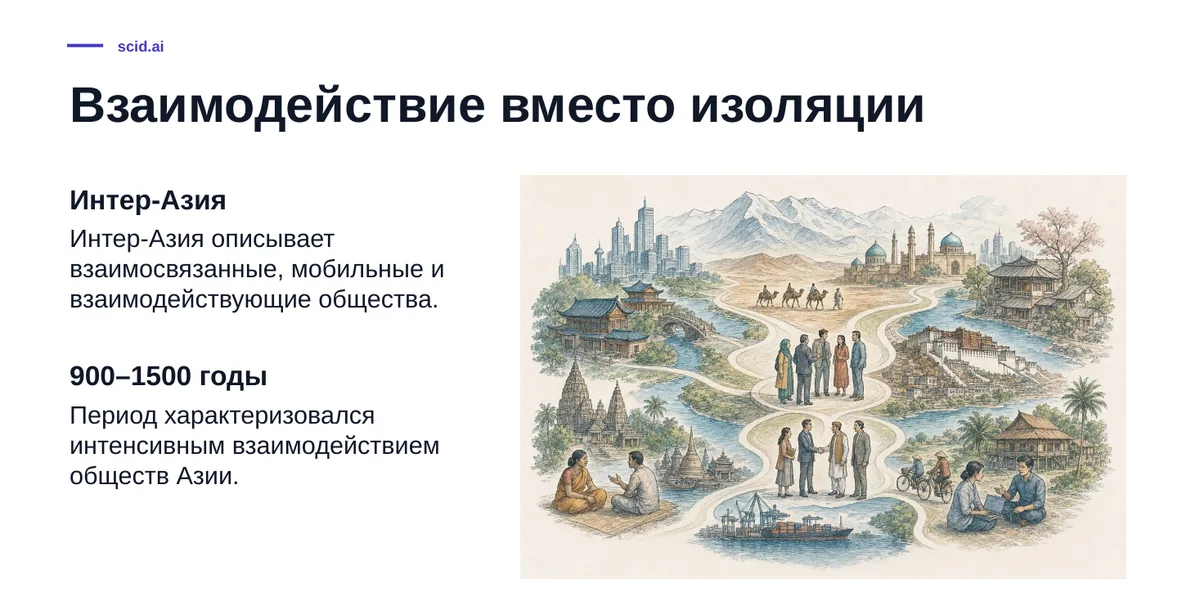
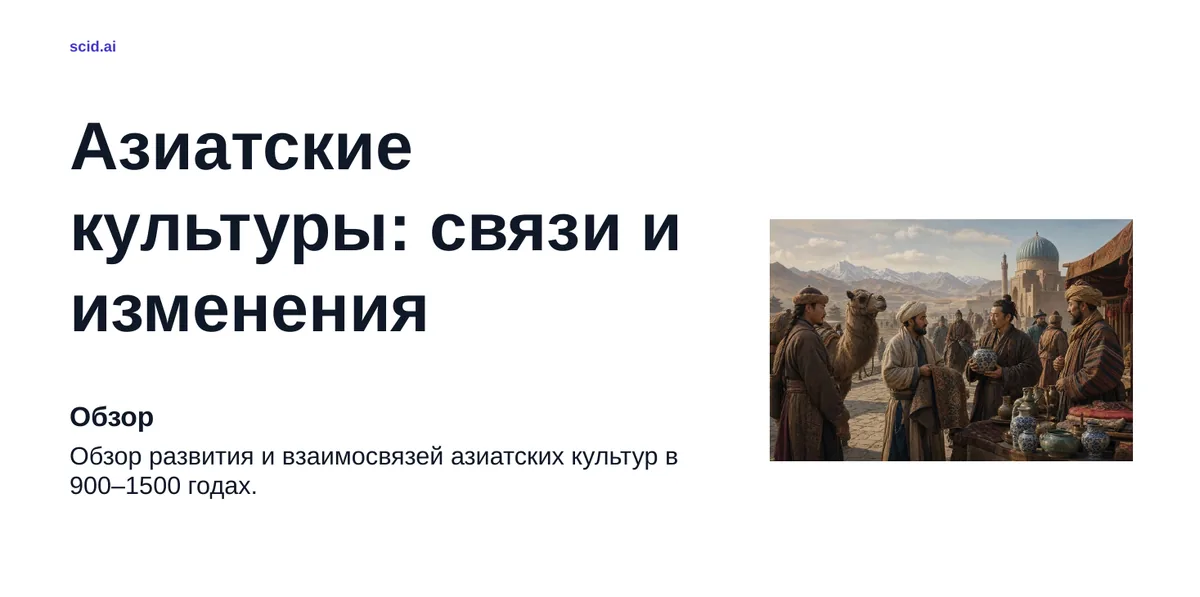
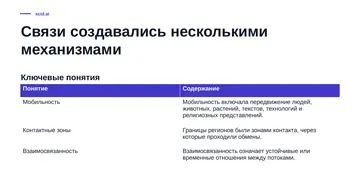
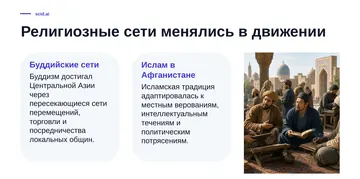
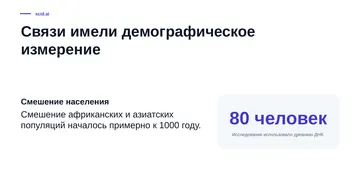
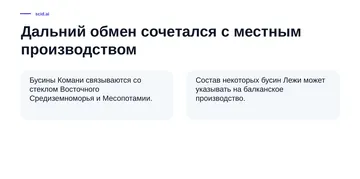
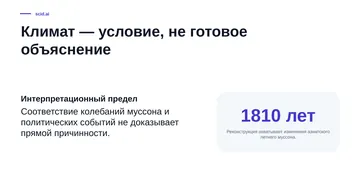
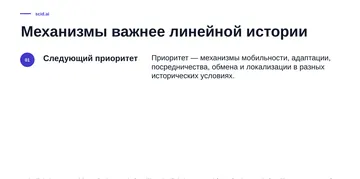
Slide with two cards and a photographSlide with an illustrated map of interacting societiesTitle slide of a scid.ai presentation on Asian cultures with an illustrationPPTX · 8 slidesDownload PPTX
Slide 1Slide 2Slide 3Slide 4Slide 5Slide 6Slide 7Slide 8
A presentation built from the reviewTitle slide, illustrated key points and headline figures — preview in the browser, PPTX downloads at once.

Organization workspace — budget, seats and consumption under control

One credit balance for the team, per-member limits, invitations by email and spend by type of work: reviews, reports, presentations, hypotheses.

Organization workspace in scid.ai: total balance and credit spend, seats in use, a consumption chart by type of work and a member table with limits and roles
The admin sees who spends on whatLimits change in a couple of clicks, new members join by invitation. Illustrative data.

The whole research journey — in one application.

Context is not lost

The question, scientific sources and your own files stay next to the analysis.

Conclusions are verified

Conclusions can be checked against publications and refined for the specifics of the task.

Results are ready

Materials can be handed to a colleague for further work.

Join a pilot built around your research tasks

Write to us or leave a request and we will show scid.ai on your own research task.

info@scid.ai