 scid.ai
Search by the meaning of your question
Find relevant papers even when their authors use different terms.
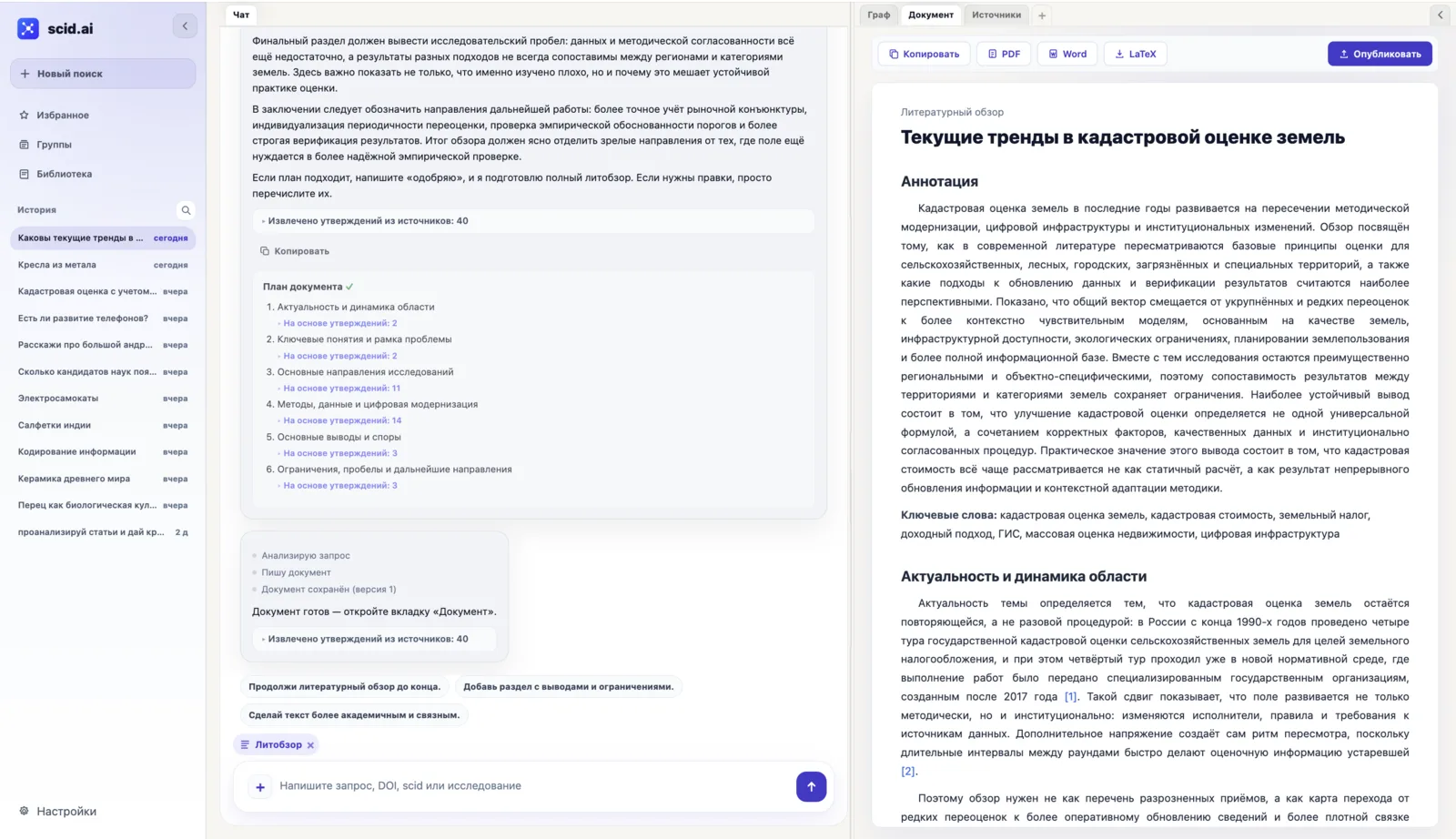
scid.ai connects the question, scientific papers, your own files, graphs, evidence checks, and the finished document. The work remains one continuing project rather than a chain of detached tools.
Search by meaning, add your own material, and check what the selected corpus actually supports.
Find relevant papers even when their authors use different terms.
Ask follow-up questions while keeping the answer beside its supporting sources.
Inspect topic clusters, paper links, years, keywords, organisations, references, and citing work.
The same sources carry into method comparison, evidence matrices, formulas, reviews, and the final document.
Align methods, data, findings, limitations, and verifiable links across recent papers.
Connect each claim to supporting, contradicting, and insufficient evidence.
Structure approaches, findings, contradictions, limitations, and research gaps.
SCID is a stable paper identifier inside scid.ai. It is connected to the paper's DOI and leads to its main page with authors, description, and citations. Share the SCID with a colleague or keep it with the bibliography to return to the same publication quickly.
Collect equations, notation, assumptions, and applicability limits, then keep the result in a structured document connected to its sources.
Publish a review, pass on an importable copy, or start a task by email while keeping the sources connected.
Publish a finished review at a stable link so readers can see both the material and the papers used to build it.
Share a link so a colleague can import their own copy and continue the research in their space.
Send a topic or question to ai@scid.ai and begin from familiar email, without a special request format.
The platform preserves provenance and links between research outputs: materials have stable addresses, the course of a study is kept, and findings stay connected to their sources.
A paper gets a permanent SCID, and a published review gets a permanent link where a reader sees the material together with its source base.
A study keeps its questions, answers, and the sources used: you can return to it, continue the document, or hand a copy to a colleague.
Answers, tables, and the evidence matrix rest on verifiable references: each claim shows its trail to papers and data.
We first demonstrate the platform on your topic and agree a measurable pilot. Access, result storage, email workflows and integrations are defined after a technical discussion and recorded in the agreement.
Test the path from a literature corpus and your own files to a graph, discussion and review on a teaching or research task.
Build a graph of the field, a technology comparison and a source-backed shortlist for further expert assessment.
Team access and technical conditions are not presented as one ready-made setup: we define them together after reviewing the actual task.
Favorites, Groups, the Library, and digests bring selected sources and material into a new question without reconstructing the context.
Save individual papers or a complete result set, find them by topic, year or organisation, and bring them back into research.
Organise papers by topic, method or project, attach the corpus to research, export it, or share an import link.
Keep uploaded material and created documents, then use them as sources for a new or current question.
Turn verified material into a bibliography, document, or public review while keeping the source links visible.
Prepare references with DOI links and without inventing missing metadata.
Move a structured research document into the format required by the next workflow.
Prepare a public literature review that keeps verifiable references visible.
Search, publication records, graphs, source chat, reviews, Favorites, Groups, the file Library, digests, export, public reviews, and research tasks through ai@scid.ai.
Papers have permanent SCID addresses, published reviews have permanent links, the course of a study is kept, and findings stay connected to their source base.
scid.ai keeps the question, papers, files, graph, findings, and document connected so the research can continue instead of being rebuilt.