 scid.ai
Which formats are supported?
PDF, TXT, Markdown, DOC and DOCX, RTF, CSV and TSV, JSON, XML, HTML, TeX and Excel workbooks. Scans without a text layer need OCR first.
Upload a PDF or another document to the library, select it as a source and ask: what is the method, what are the results, where are the limitations. The answer relies on the file text and shows where each claim comes from.
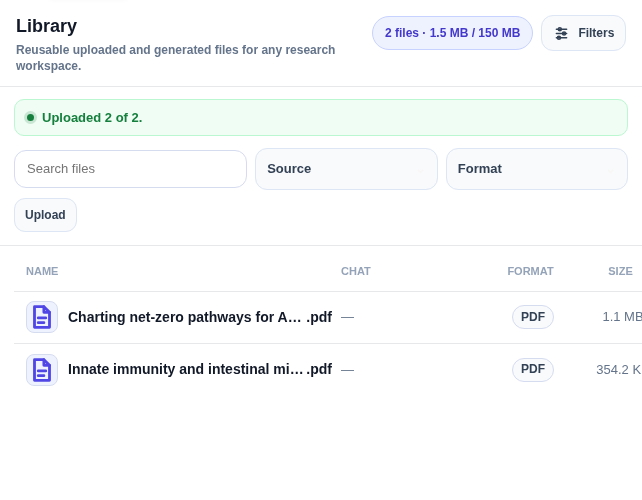
The file appears in the list with its format and size. From here it can be attached as a source to any research session, alone or together with papers found in search.
The answer arrives with a source reference on every claim. Clicking the reference opens the passage it was taken from, so a claim can be verified before it goes into a review.
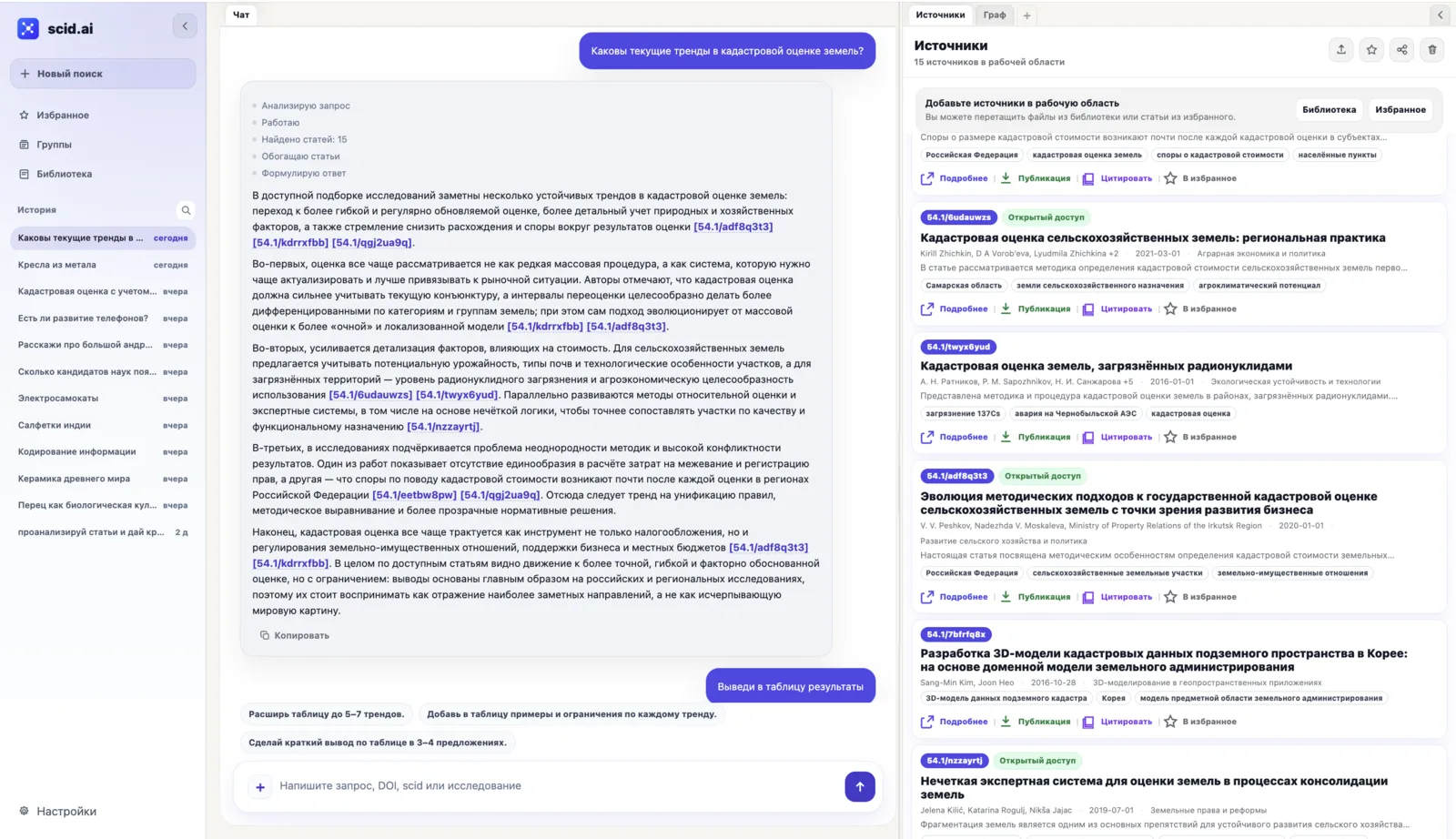
The file goes into the research library and becomes a source in the same way as a paper found in search. You select one or more documents and the chat answers only from them: no guessing and no unrelated material mixed in.
Every claim in the answer is tied to a passage of the file. You can open it, check the context and only then use it in a review, a table or a document.
A general chatbot answers from the file but does not keep it in a research context or link it to the literature. In scid.ai the file lives next to the found papers, the topic graph and the review: you can ask how the conclusions of an uploaded report relate to publications on the topic and get an answer with sources on both sides.
Full-text access to third-party papers depends on the licence: scid.ai does not bypass paywalls. You upload your own PDF; for found papers, open versions and metadata are used.
PDF, TXT, Markdown, DOC and DOCX, RTF, CSV and TSV, JSON, XML, HTML, TeX and Excel workbooks. Scans without a text layer need OCR first.
Yes. Select several files as sources and the chat answers across all of them, noting which document each claim comes from.
Chat with files is available on the free plan within the starting credits; sign-up needs no card.
Yes, every claim leads to a passage of the file or to the paper page. scid.ai does not guarantee that a generated statement is always correct, so the source is always next to it.
Upload a paper or a report and ask the first question. Free, no card.