 scid.ai
Collect your own material
Upload documents and tables that did not come from scientific search.
Keep uploaded material and documents created in scid.ai in one Library. Add them to a new or existing research session so document content and spreadsheet rows become part of the answer context.
PDFs, tables, text files, and exported documents do not have to disappear into computer folders. They remain close to the research and become sources again when needed.
Upload documents and tables that did not come from scientific search.
The Library shows the file type and its related chat when the material was created during research.
Select the documents you need and add them to the current context or open a new chat.
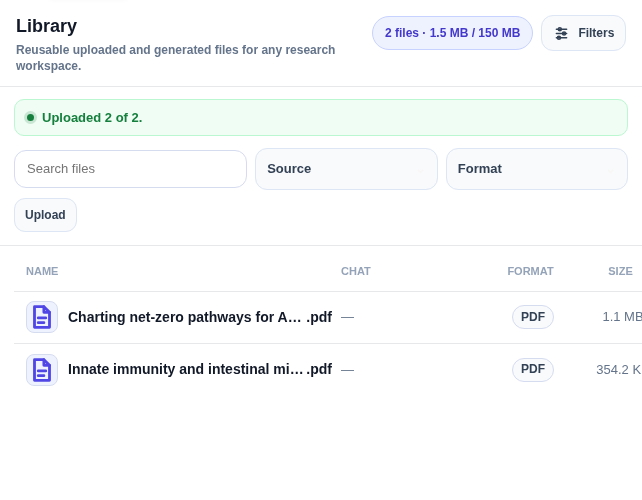
The Library brings together your uploads and documents created in scid.ai. Search, filters, and sorting make it easy to return the right material to the work.
Files stay connected to the question, the sources, and the output.
Add your material, search by name and related chat, and filter by type or format.
Select files and attach them to the current question or start a separate research session.
Documents exported from chat as PDF, DOCX, or TeX return to the Library.
Yes. Select Library files and start a new chat with them or add them to the current sources.
Yes. PDF, DOCX, and TeX files exported from chat can be saved in the Library as generated files.
Search by file name or related chat and use filters for format and source type.
Upload documents once and bring them back into context whenever the question depends on those data.