 scid.ai
Collect
Semantic search, DOI lookup, uploaded files, library, favorites, and thematic groups.
In scid.ai, the question, papers found, files, graph, and document stay connected in one project. Selected sources remain available, conclusions can be checked, and the work can continue from the same place.
The sources you select remain available at every next stage: comparing approaches, preparing a table, writing a document, and publishing the result.
The finished material stays connected to its sources: open the relevant paper, check a conclusion, or continue the document.
scid.ai connects papers found and files uploaded with questions, the graph, and the document. The same collection supports discussion, review, and reporting.
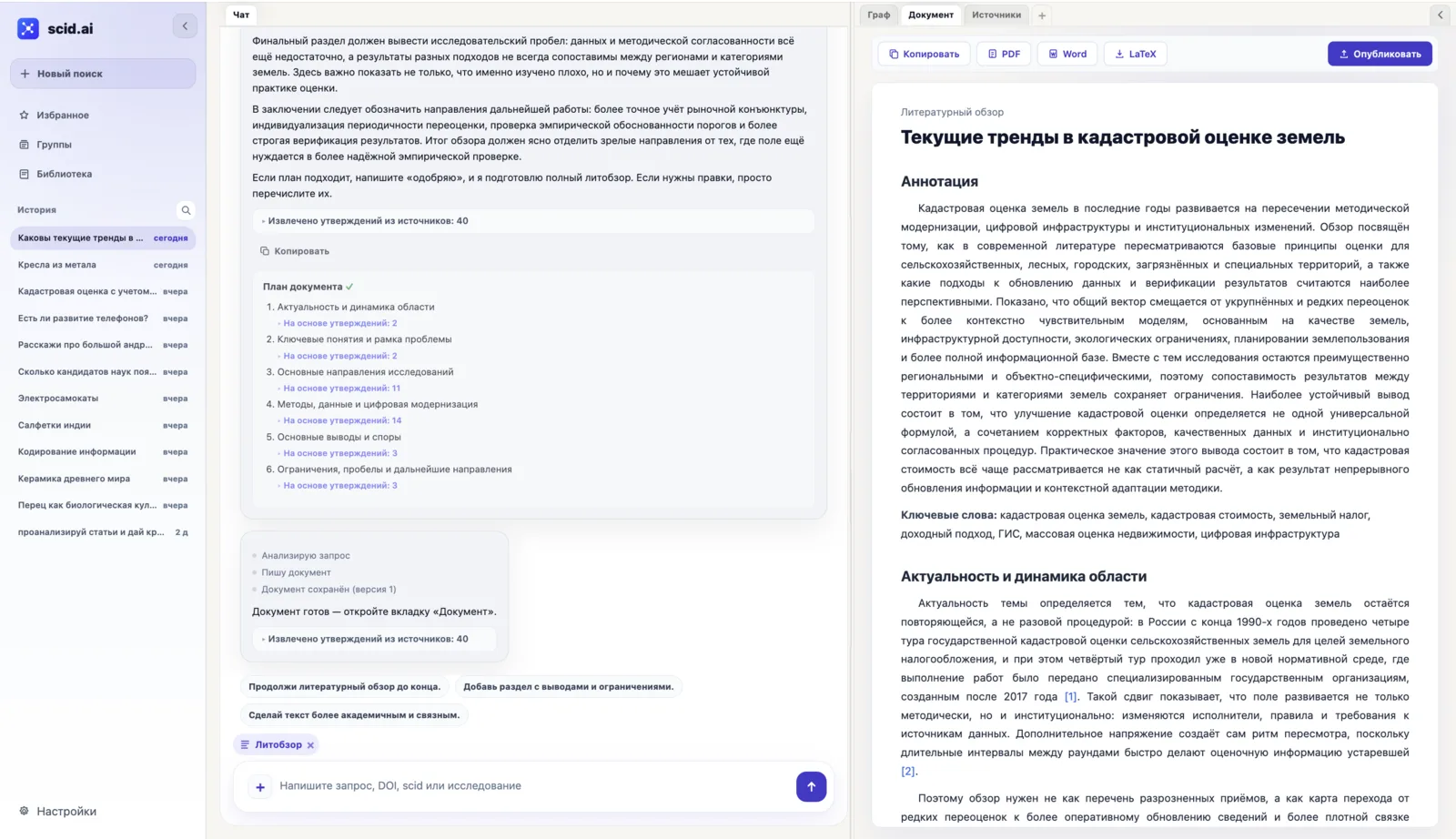
Choose an example and add your topic. The prepared request appears in the search field, where you can edit it before running the search.
Compare periods to identify growing topics, methods, and research centers.
New solutionsFormulate testable technology hypothesesTurn scientific signals into testable assumptions about mechanisms, effects, and risks.
MedicineCompare clinical evidenceSeparate evidence by study design, patient group, effect, safety, and risk of bias.
Across disciplinesFind a method to transfer from another fieldAssess transferability through mechanisms, data requirements, and limitations.
ReliabilityTest whether a result is reproducibleCollect original studies, replications, meta-analyses, and conflicting findings.
Early signalsDistinguish an emerging field from a one-off signalCheck whether a growing signal is supported by independent studies.
Use the same papers and files across different tasks—from testing an idea to preparing a review or report.
Semantic search, DOI lookup, uploaded files, library, favorites, and thematic groups.
Topic and citation graphs, publication pages, questions over selected material, comparisons, and contradictions.
Tables, formulas, evidence matrices, reviews, bibliography, and documents in PDF, Word, or LaTeX.
Receive collections of new papers for saved topics. Teams can agree the monitoring frequency and output format as part of a pilot.
A stable SCID address brings together metadata, content analysis, the citation graph, and bibliography. A published review remains connected to the sources behind it.
The publication, its scientific context, and the completed review stay connected in scid.ai.
How DOI and SCID workStart with one topic and define the result a researcher, laboratory, or team should receive.
Create a shared source base for a course, laboratory, or research group, and show how the final material was produced.
Turn a stream of scientific publications into a graph of directions, technology hypotheses, and material for a pilot decision.
A pilot can include a shared private source base, tasks submitted by email, recurring result updates, and the integrations the team needs.
In a general chat, answers remain part of a conversation. In scid.ai, selected sources, files, the graph, and the document stay connected to the project, so the next question can use material already collected.
Yes. Start with a research question, a scientific paper DOI, or a file, then add relevant papers and working material.
A university or company can begin with a demonstration and a pilot around one real task. The deliverable, access, data storage, and integrations are agreed before the project starts.
Collect the sources, understand the connections, and prepare material that can be checked, shared, and continued.