 scid.ai
Organise sources by purpose
Create groups for a topic, method, hypothesis, project, course, or future section of a document.
Organise papers by topic, method or project. Bring a collection into a research session, export it for a reference manager, or share an import link with a colleague.
A group is more than a paper list. It records why the corpus exists: for a question, comparison, review section, or team task.
Create groups for a topic, method, hypothesis, project, course, or future section of a document.
Attach a selected group to the research session instead of selecting every paper again.
A colleague receives a link and imports a separate copy of the collection into their account.
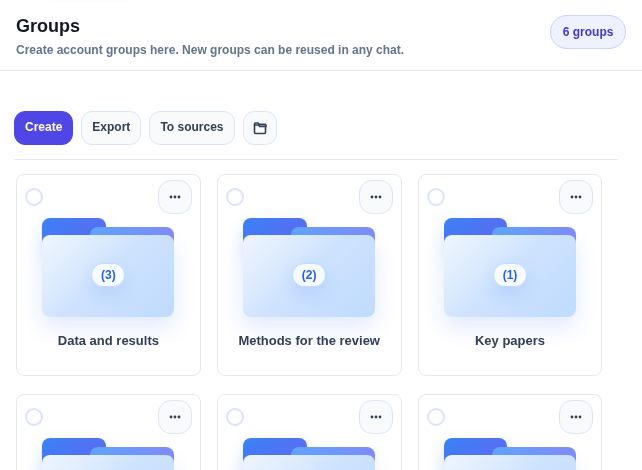
Refine a collection as the research develops. When the corpus is ready, use it as a whole in chat, pass it by link, or export it to a reference manager.
Groups preserve the intent behind a corpus and make it portable.
Separate foundational from recent work, methods from results, or one project from another.
Open the group in the workspace and use the full set as the basis for the next step.
The recipient imports the collection by link and continues in their own workspace.
Yes. Add or remove papers, rename a collection, or delete it when it is no longer needed.
The recipient signs in and imports a copy into their own account. It is not real-time co-editing of one shared folder.
Groups can be exported as BibTeX, EndNote, RefMan/RIS, and CSV.
Collect papers for a real task and continue with the group as one research context.